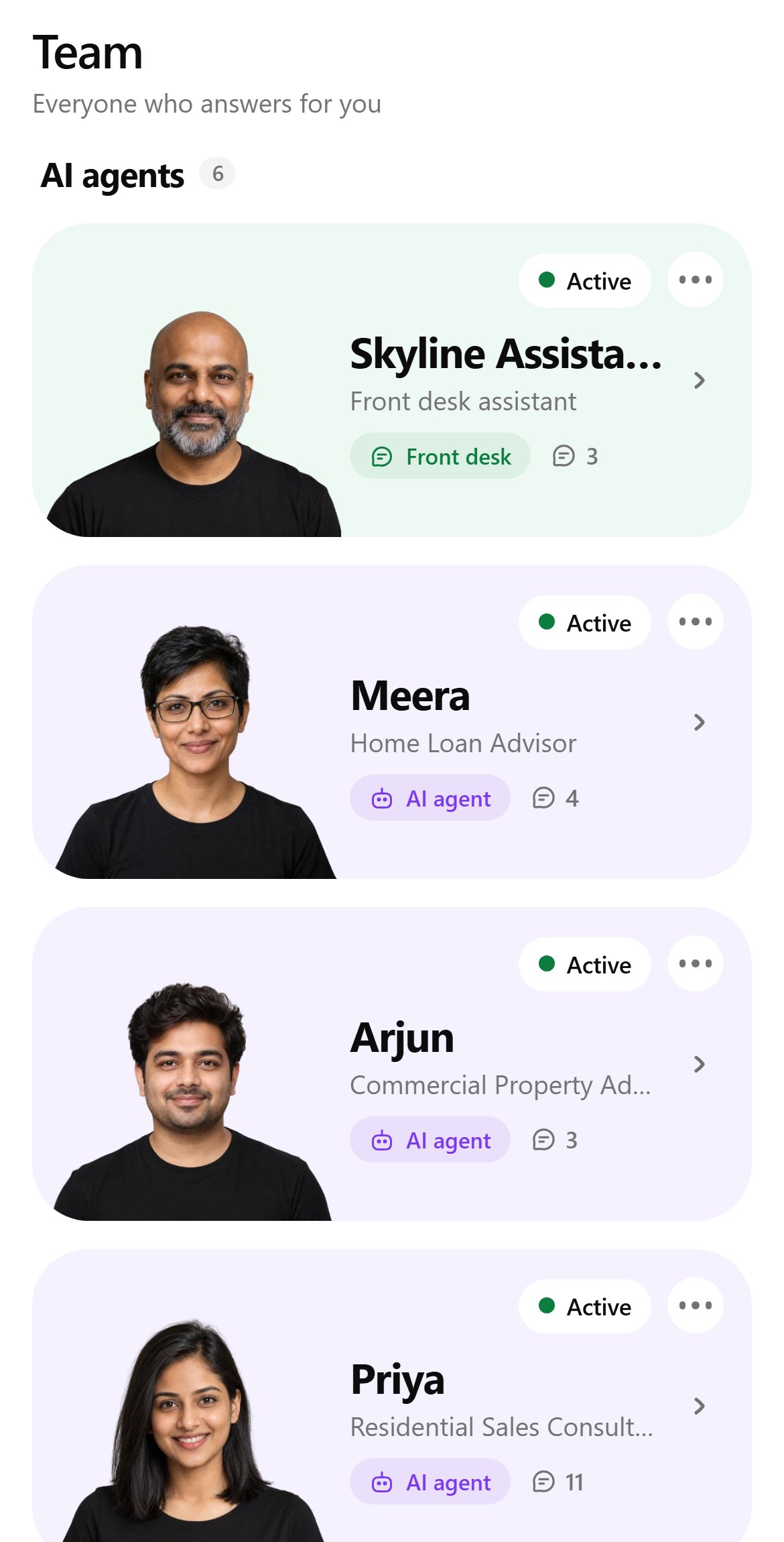
Team lists everyone who answers for you, under two headings: AI agents and People.Agents are listed in order: the front desk, your specialists, the follow-up desk and the marketing desk. Each card shows the agent’s status (Active, Paused or Draft), name, role, seat and message count.
- Tap ⋯ for the agent’s brief: objective, message and conversation counts, and its last reply.
- Tap a person for their replies sent, time on the team, notes and contact details.
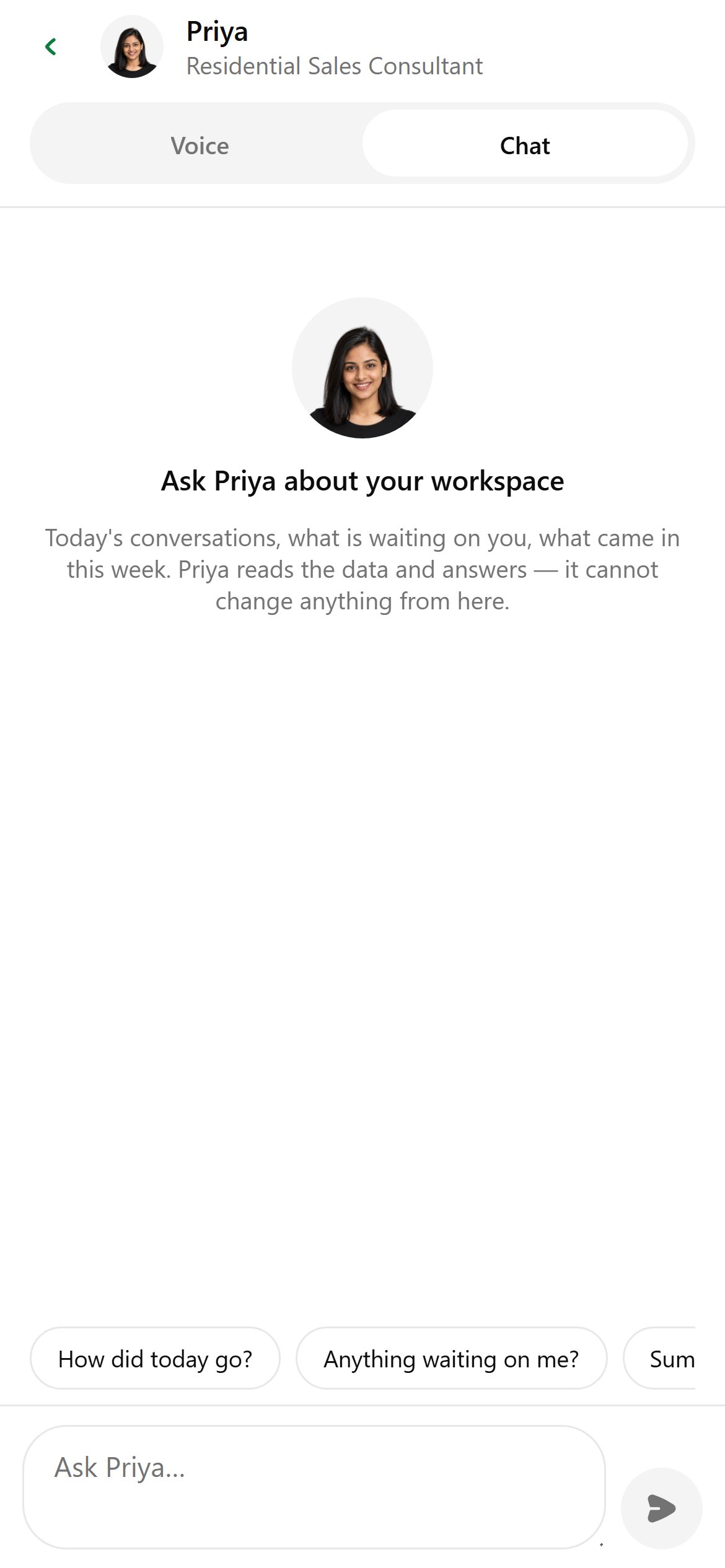
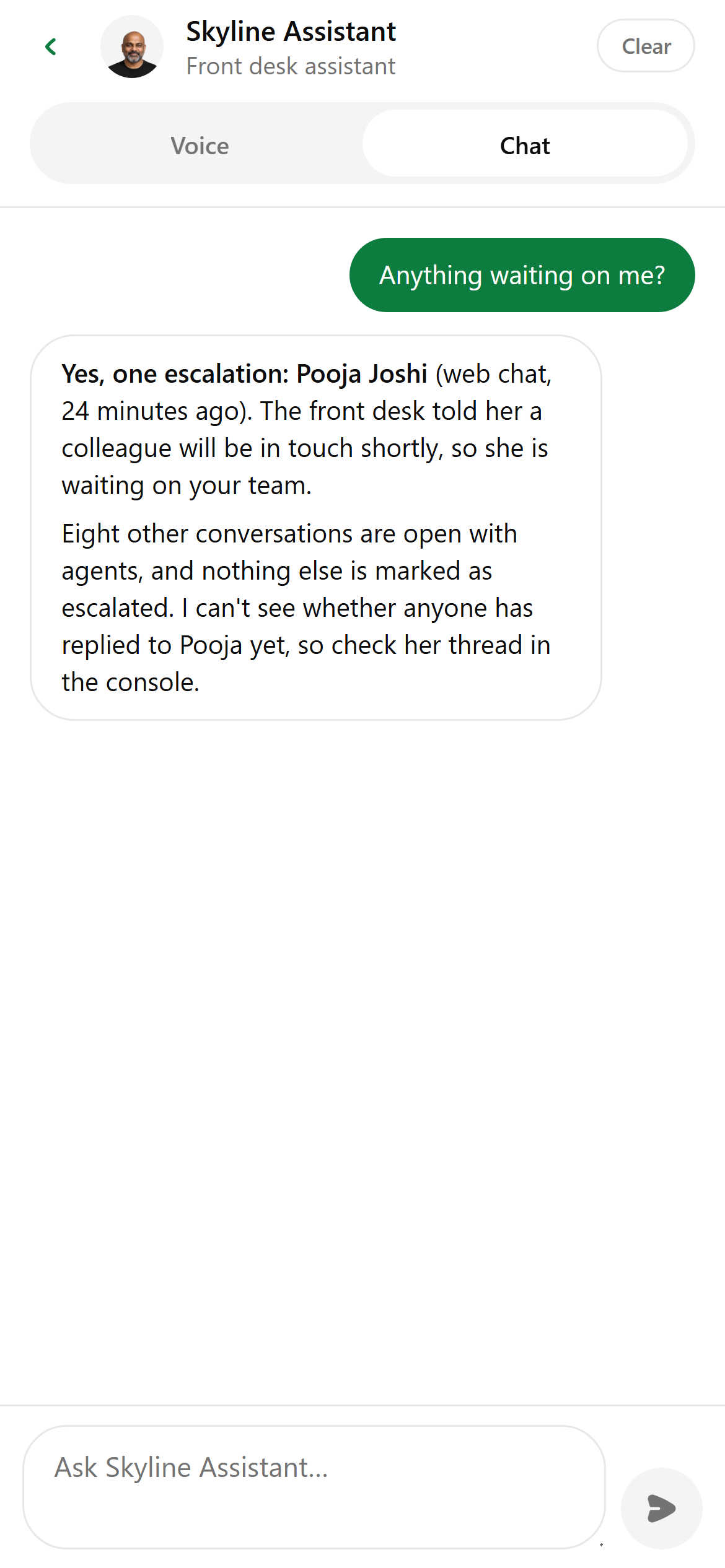
Ask an agent about your workspace
Tap an agent card to chat with it about your business. The agent reads your workspace data and answers, but it can’t change anything from here.