
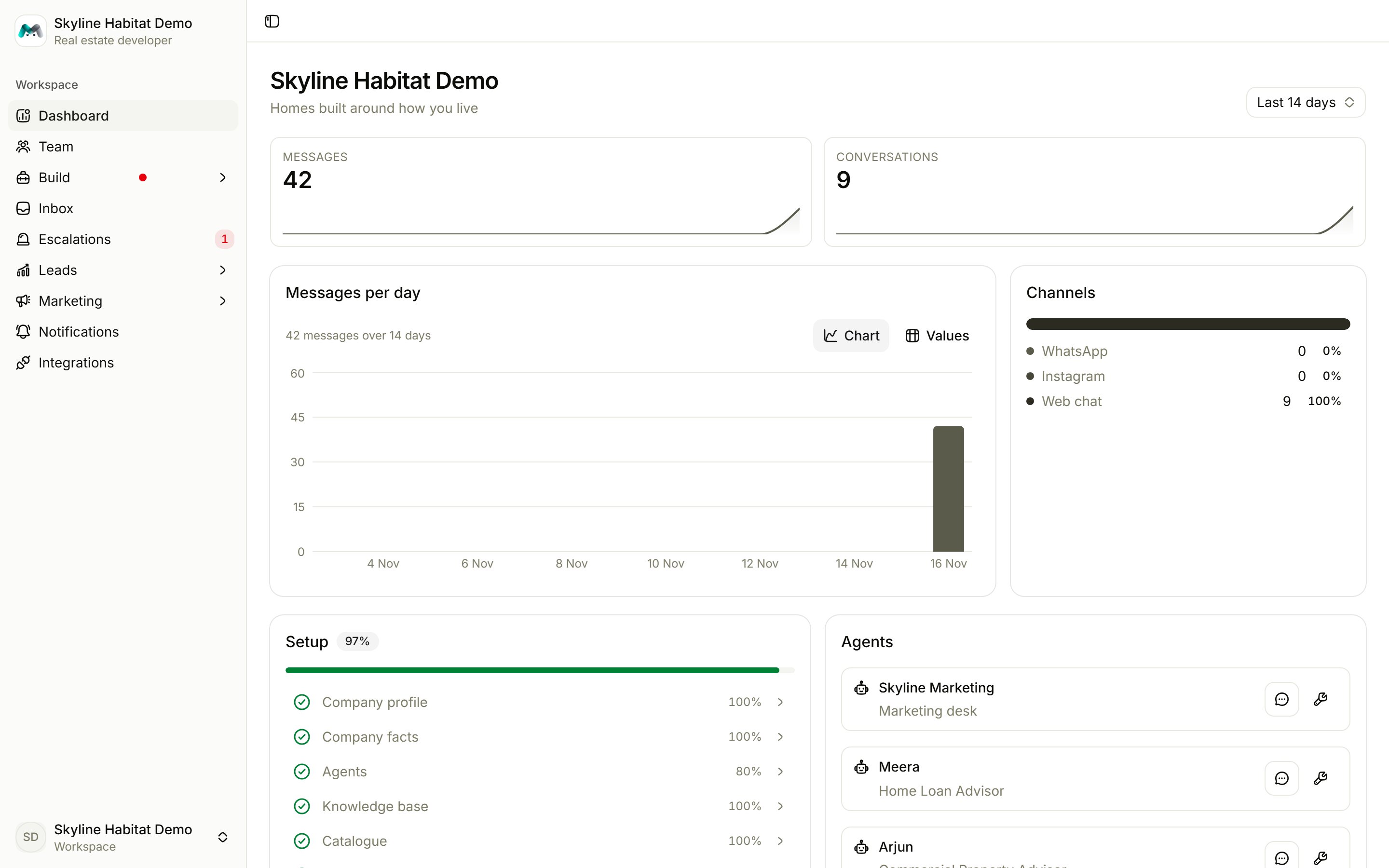
Every screenshot in this manual comes from Skyline Habitat, a demo real estate developer with four projects, three specialist agents, a website chat and a few dozen sample conversations. Your own workspace looks the same, filled with your business.
What you can do with Magic Agent
Build an AI team
A front desk that greets every customer and hands them to the specialist who can help: sales, support, bookings.
Teach it your business
Company facts, a product catalogue and a knowledge base the agents answer from, and nothing else.
Answer on every channel
WhatsApp, Instagram, Telegram, RCS, a website chat widget, an AI voice widget and a phone line.
Step in when it matters
One inbox for every conversation. Take over any chat with a reply, then hand it back.
Never lose a lead
Every conversation is filed at a lead stage, and the follow-up desk nudges the quiet ones.
Market on WhatsApp
Campaigns, festival greetings, birthday wishes and event reminders, sent as approved templates.
How this manual is organised
1
Get started
Learn the key ideas, sign in, take a tour of the console and work through the six-step setup.
2
Build your AI team
Fill in your company profile, knowledge base and catalogue. Then create agents, test them in the playground and connect your channels.
3
Work your conversations
Reply from the inbox, handle escalations, and follow up leads, contacts and orders.
4
Grow
Run WhatsApp marketing, set up alerts and integrations, and manage your team and billing.