
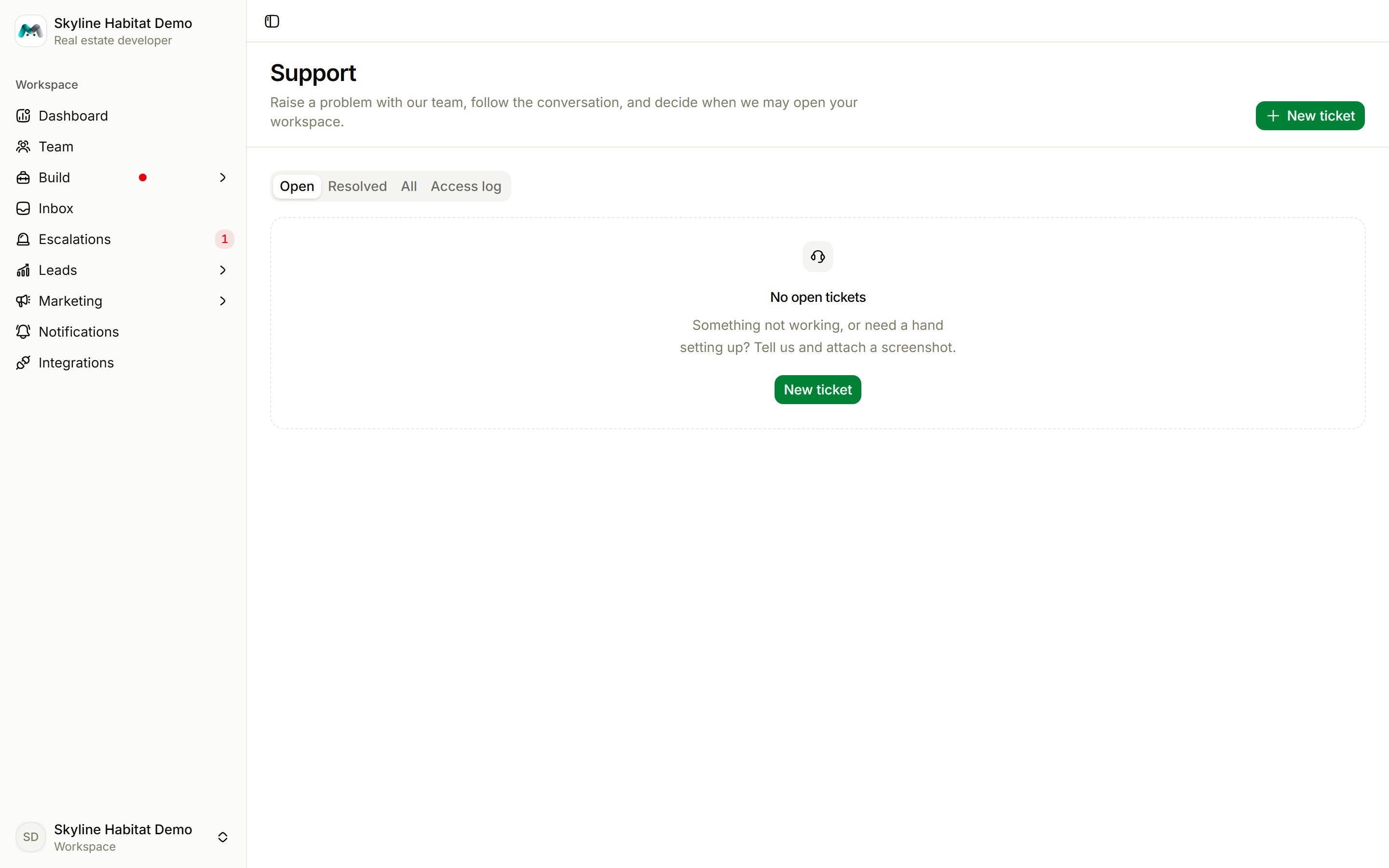
Create a ticket
Choose New ticket.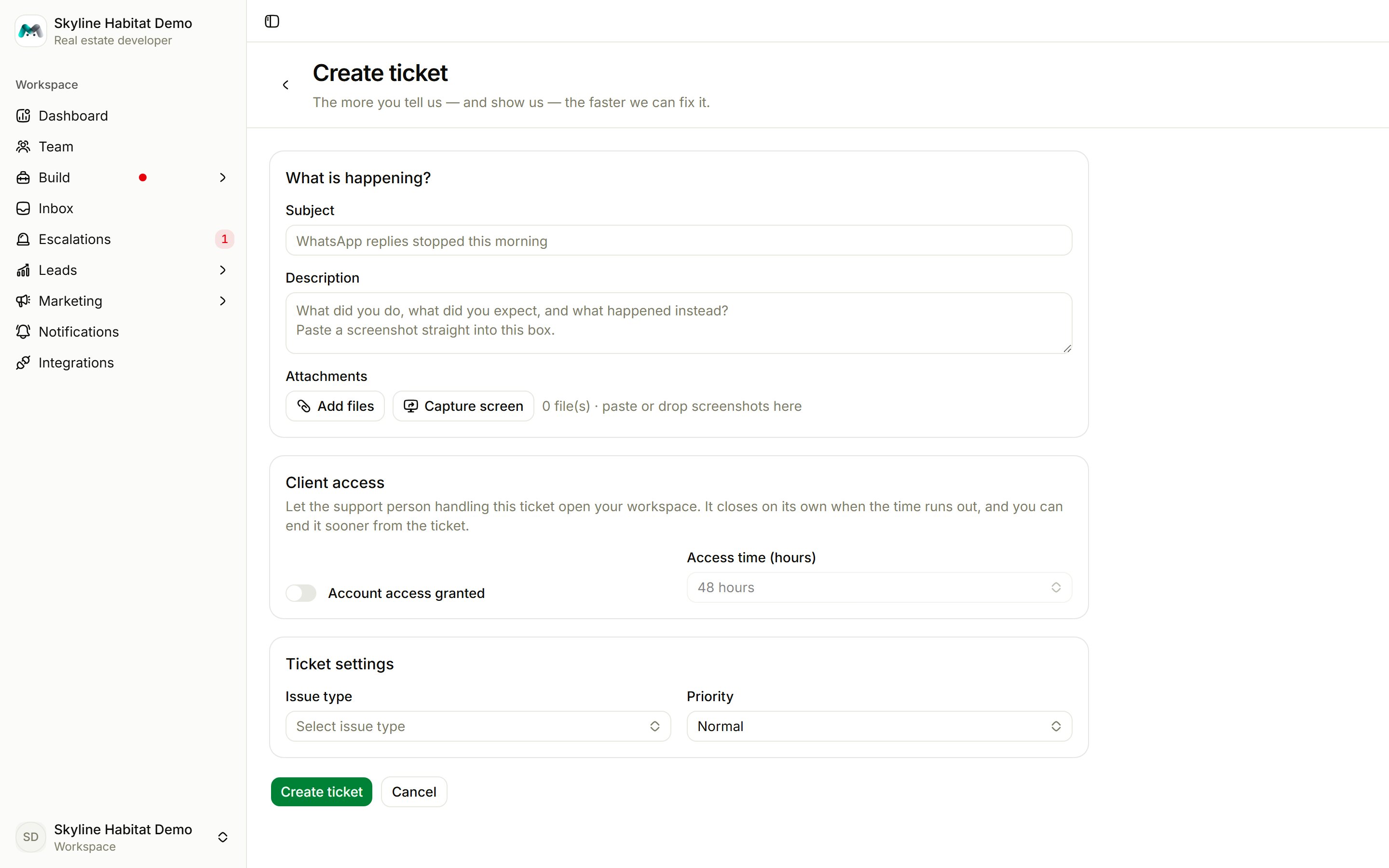
1
Describe what is happening
Write a Subject and a Description: what you did, what you expected, and what happened instead. Paste screenshots straight into the description, or add up to 10 Attachments.
2
Decide on access
Switch on Account access granted to let the person handling the ticket open your workspace, for 1 hour up to 7 days. Access ends on its own. Only the workspace’s own login can grant it.
3
Set the type and priority
Issue type: Bug, Feature request, Question, Billing, WhatsApp / channel, Agent behaviour, Account access or Other. Priority: Low, Normal, High or Urgent. Urgent asks why.
4
Create the ticket
Choose Create ticket. The team replies in the ticket and by email.
Follow a ticket
- Reply in the ticket. Replying to a resolved ticket reopens it.
- If support asks to open your workspace, choose Allow access (pick how long) or Decline. End access now stops it early.
- Shared credentials: share another account’s login (for example Meta Business) securely. Only the handler can see it, and it is deleted when access ends.
- Mark resolved when you’re done, and rate the help from 1 to 5.