
- Campaigns: one-off broadcasts such as offers, launches and announcements. See Campaigns.
- Greetings: festivals and special days. See Calendar.
- Birthday wishes: sent to each contact on their birthday. See Audience.
- Event reminders: before, on and after your own events, each written by the desk. See Events.
Before anything can send
1
Connect a WhatsApp number
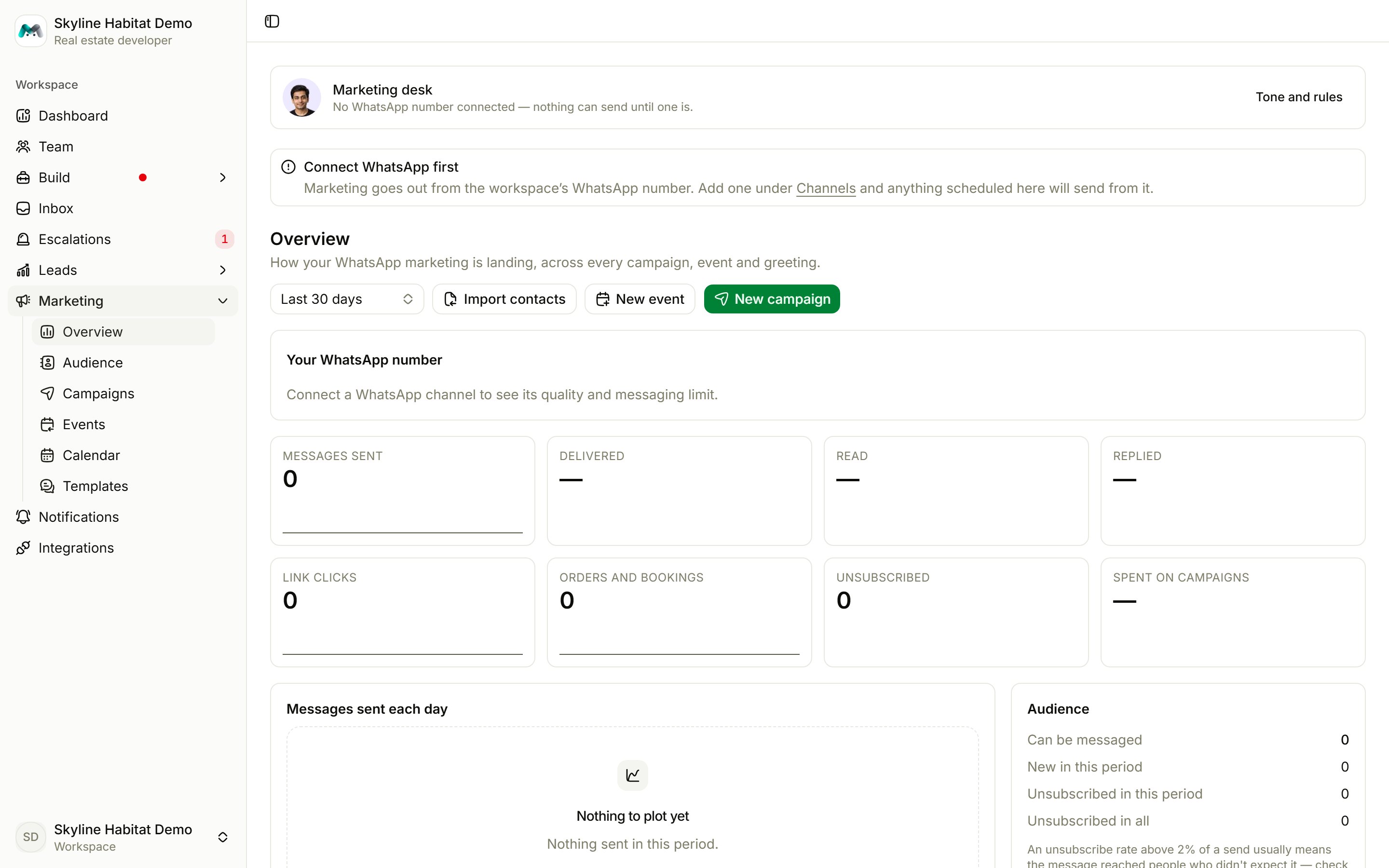
Marketing goes out from your workspace’s WhatsApp number. Until one is connected, the marketing pages show Connect WhatsApp first and nothing scheduled will send. See Channels.
2
Get a template approved
Everything the desk sends is an approved WhatsApp template, because only templates reach people outside the 24-hour window. Write one and apply it to Meta. See Templates.
3
Have people to send to
Everyone who has written to you on WhatsApp is already in your audience. Import more contacts who agreed to hear from you. See Audience.
4
Keep your wallet topped up
Template messages are charged to your wallet. When the wallet can’t cover them, they are held back. See Billing.
Read the results
Pick a period (7, 30 or 90 days) to see:- Your WhatsApp number: quality rating, messaging limit and how much you sent in the last 24 hours. A red rating pauses smart campaigns; a yellow rating makes them wait 48 hours and halve the next wave.
- Messages sent, Delivered, Read, Replied, Link clicks, Orders and bookings, Unsubscribed and Spent on campaigns.
- Messages sent each day.
- Audience: who can be messaged, new contacts, and unsubscribes. You’re warned when unsubscribes go above 2%.
- What went out: each campaign with sent, read, replied, clicked and orders.