/onboarding in your workspace.
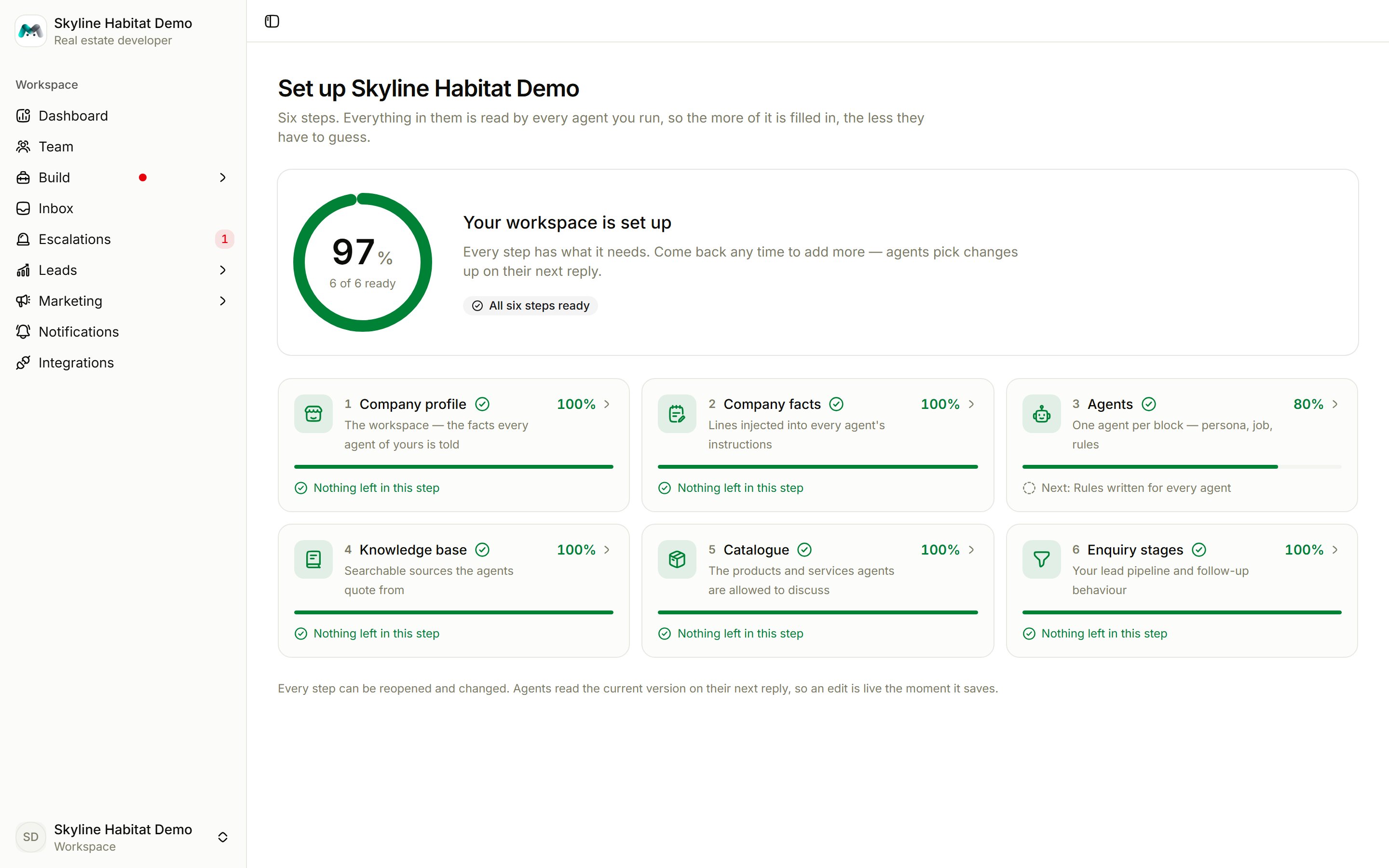
The six steps
1
Company profile
Needed: company name, what the company does (two or three sentences; this is the most-read line in the whole setup), industry, a phone number or email, and currency, timezone and locale.Optional: tagline, website, address, and what the agents should call you.
2
Company facts
Short, specific lines every agent may state, such as opening hours, delivery areas, payment terms or booking amounts. One-tap topics are offered: Opening hours, Delivery, Payment terms, Lead time, Returns policy, Service area, Minimum order, Warranty.
3
Agents
Create at least one agent and take it live. Your first agent brings the front desk and the follow-up desk with it; there is nothing to set up for either. Every agent needs a “Hand over to me when…” line, or the front desk will never send it a conversation.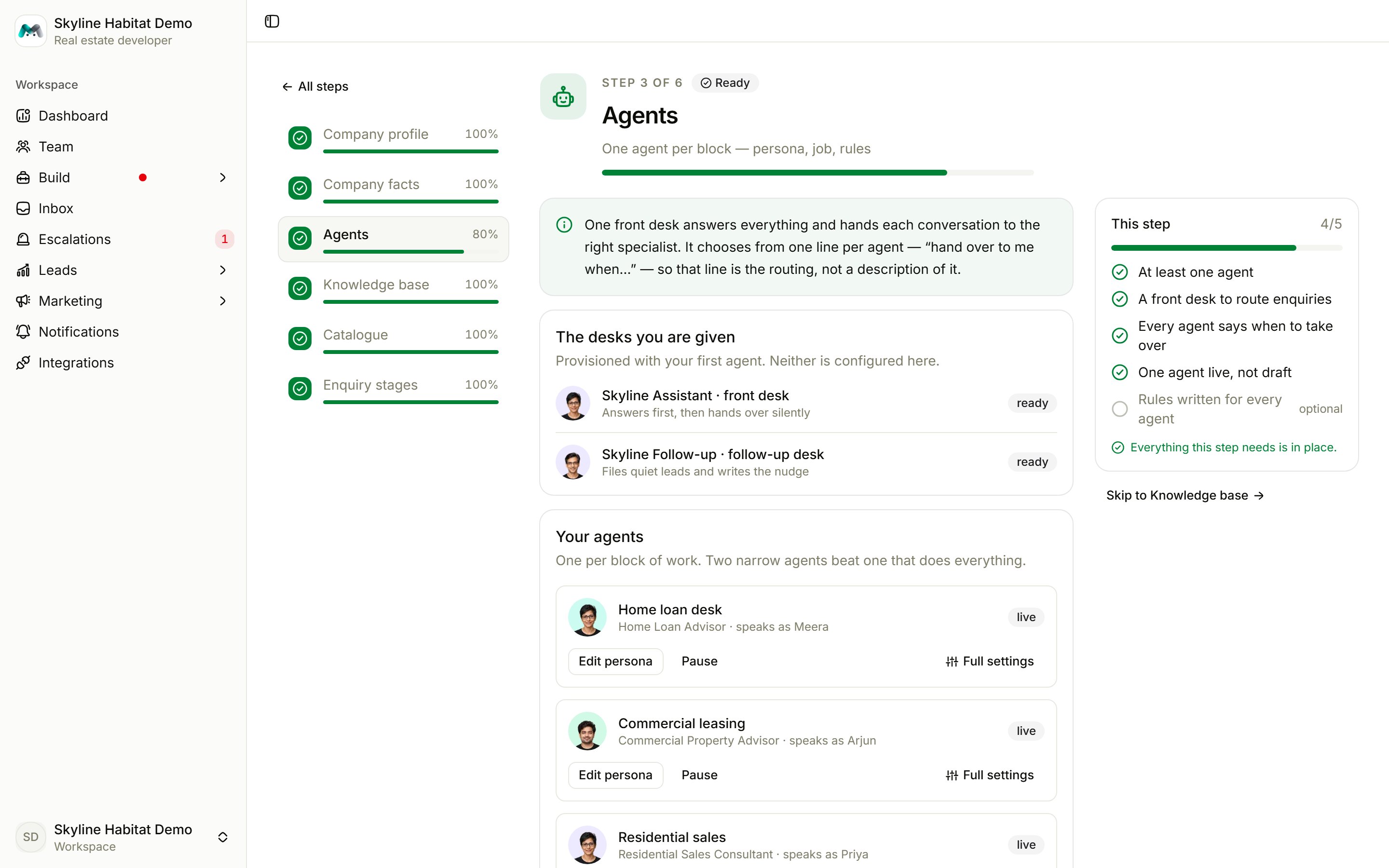
4
Knowledge base
Add at least one source and wait until it shows searchable. Three or more sources is better. See Knowledge base.
5
Catalogue
Add at least one product or service, each with a description. Store a price wherever you want agents to quote one. See Catalogue.
6
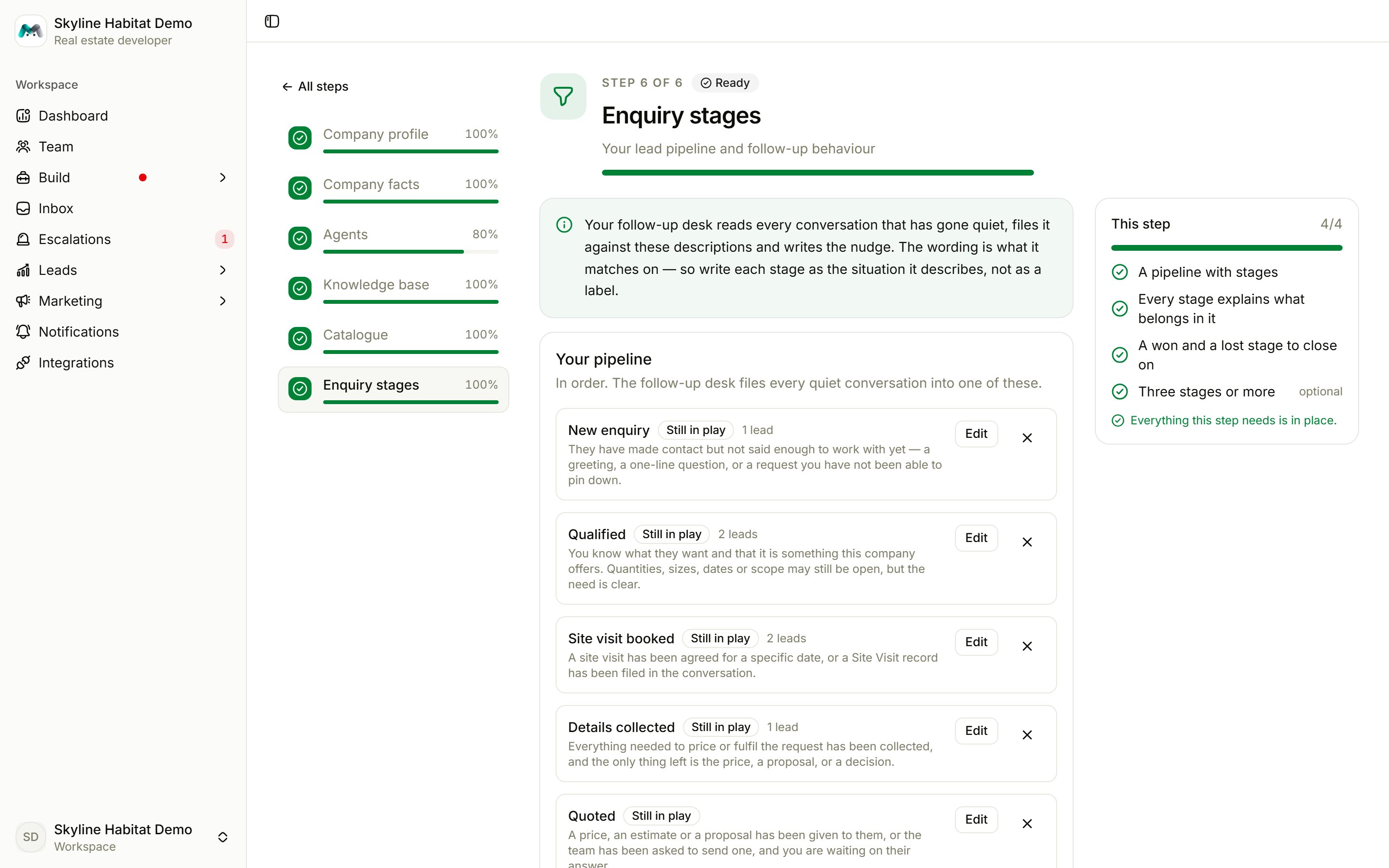
Enquiry stages
Build the lead pipeline the follow-up desk files conversations into. Start with Use the standard pipeline (New enquiry, Qualified, Details collected, Quoted, Negotiating, Won, Lost) and adjust it. You need a won and a lost stage; otherwise customers who have already bought keep being chased.