
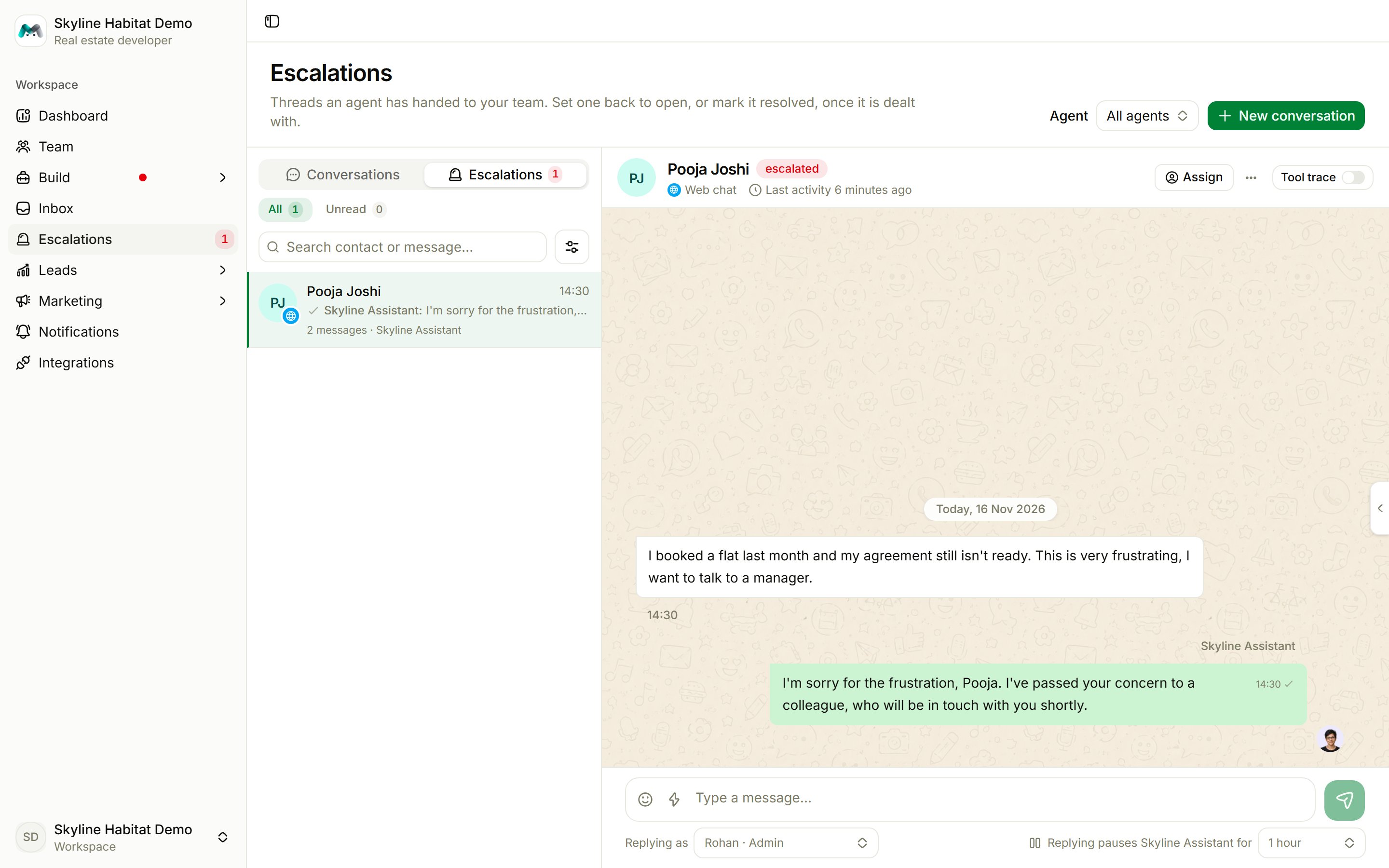
Handle an escalation
- Open the conversation and read what happened.
- Reply. Your reply takes over the thread and pauses the agent.
- When it’s sorted, set the status to Resolved, or back to Open to let the agent carry on.
Handover rules
Handover rules decide who gets an escalated conversation. Without rules, escalations stay unassigned until someone picks them up. Open them from Team → Handover rules. The first rule that matches wins.
Use Move up and Move down to change the order.
The escalations desk for team members
Team members can work from a focused view at/desk. It shows only escalations, with All, Unread and Assigned to me. Replies are signed with the member’s own name, and Resolve hands the conversation back to the agent. Open the dashboard goes to the full console.