
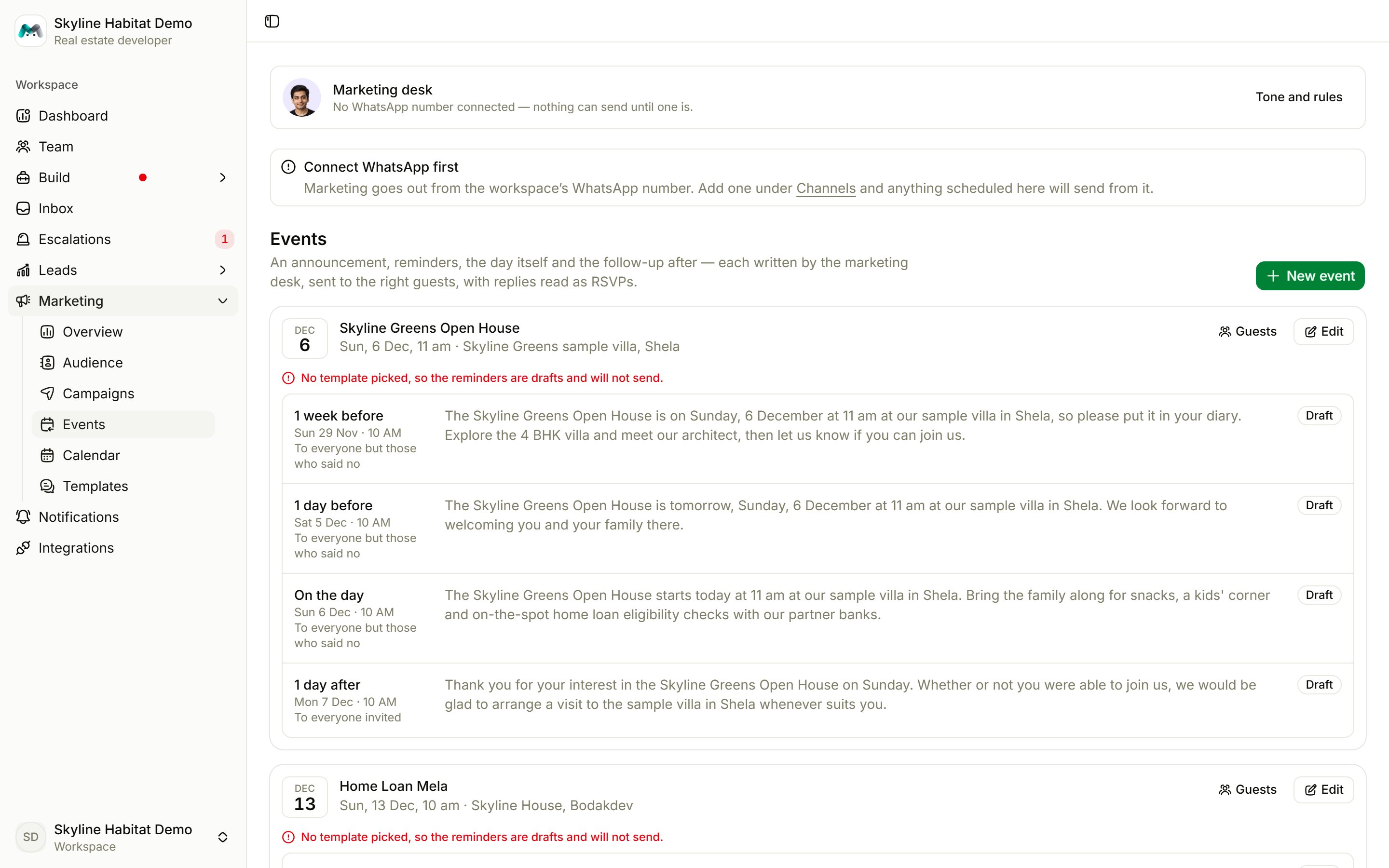
Before you start
All reminders go out with one approved template of the Event reminder occasion. The desk’s line for each reminder fills its{{message}} blank. If you have none, choose Create the reminder template on the alert at the top. See Templates.
Create an event
Choose New event and fill in:
By default you get reminders 3 days before, the day before, on the day and the day after. Each reminder can go to a different group: everyone invited, everyone but those who said no, those who said yes or maybe, those who came, or those who said yes but didn’t come.
Choose Save and schedule, or Save as draft.
Review each reminder
The desk writes each reminder as soon as you save, and the event card shows them with their status. Open one to edit the message, Rewrite it, Skip this one or Send now.If your template uses
{{venue}}, fill in Where, or the reminder can’t send.Guests and check-in
Choose Guests on the event card to see who is going, who might come and who can’t, and who came.- Check in a guest by number (and name, if new) and Mark as came.
- Change anyone’s RSVP by hand, or mark Everyone going came.