
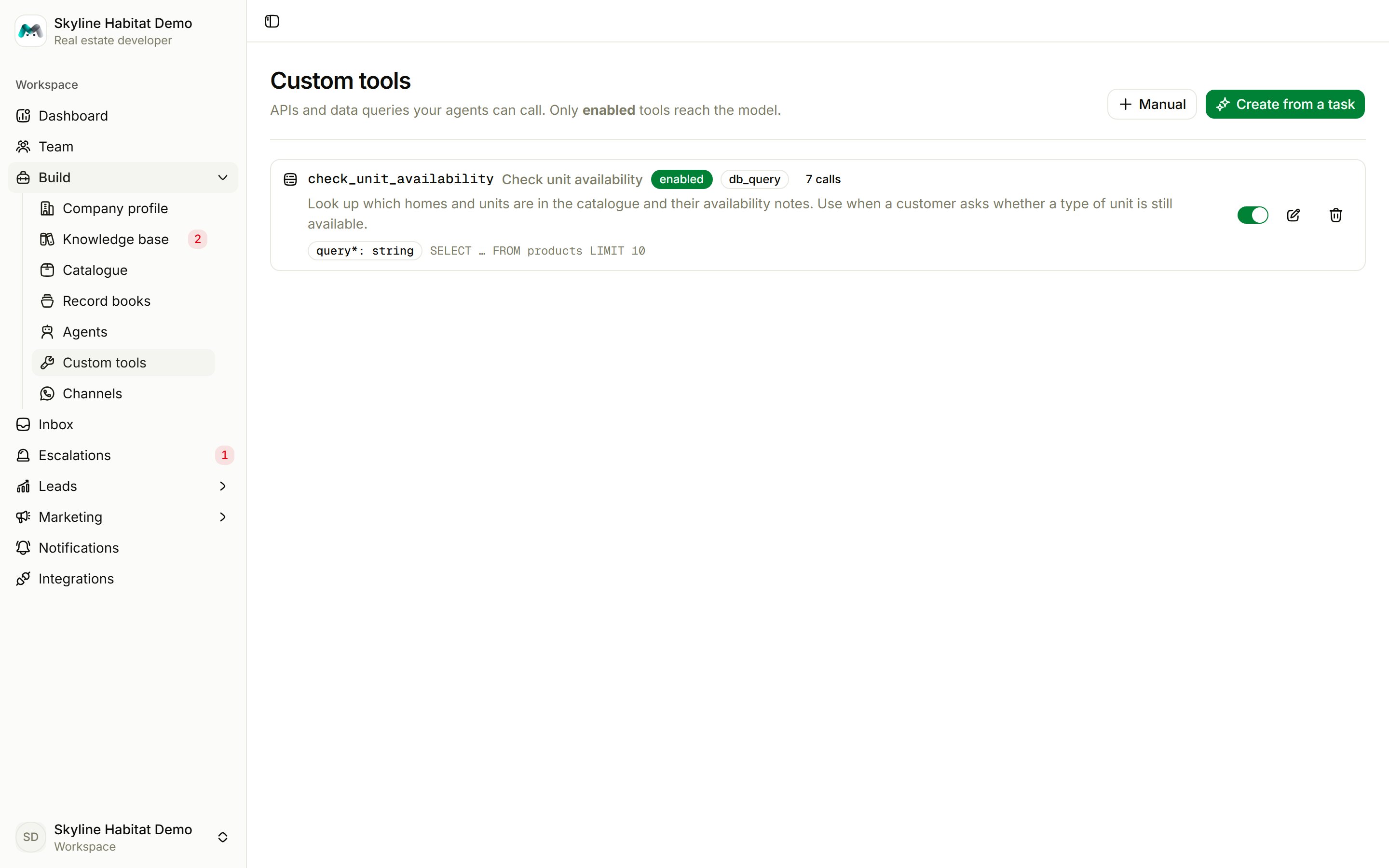
Create a tool from a task
The quickest way is to describe the job in plain words.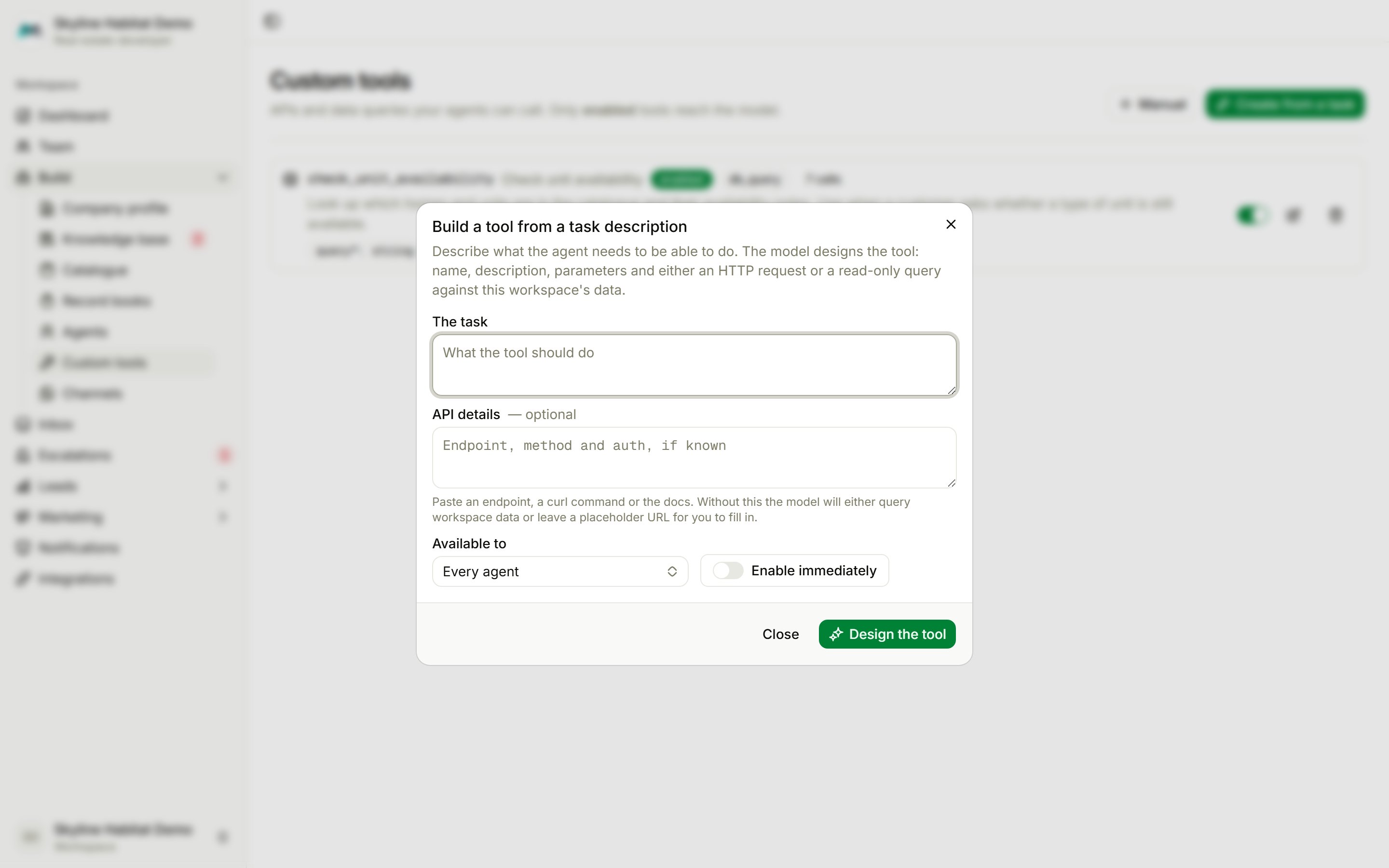
- Choose Create from a task.
- Describe The task, for example “Check if a unit type is still available in a project”.
- Optionally add API details: an endpoint, a curl command or a link to the docs.
- Choose who it is Available to: every agent, or one.
- Choose Design the tool. Turn on Enable immediately to use it straight away; otherwise it is saved as a draft for you to review.
Create a tool by hand
Choose Manual and fill in:
For an HTTP request, set the method and URL (use
{{parameter}} placeholders), headers and request body. For a data query, choose the table, the search parameter and a row limit.
Each tool card shows its status, kind, the agents it is scoped to and how often it has been called. Use the switch to enable or disable it. Tools added by an integration say Managed by ….