
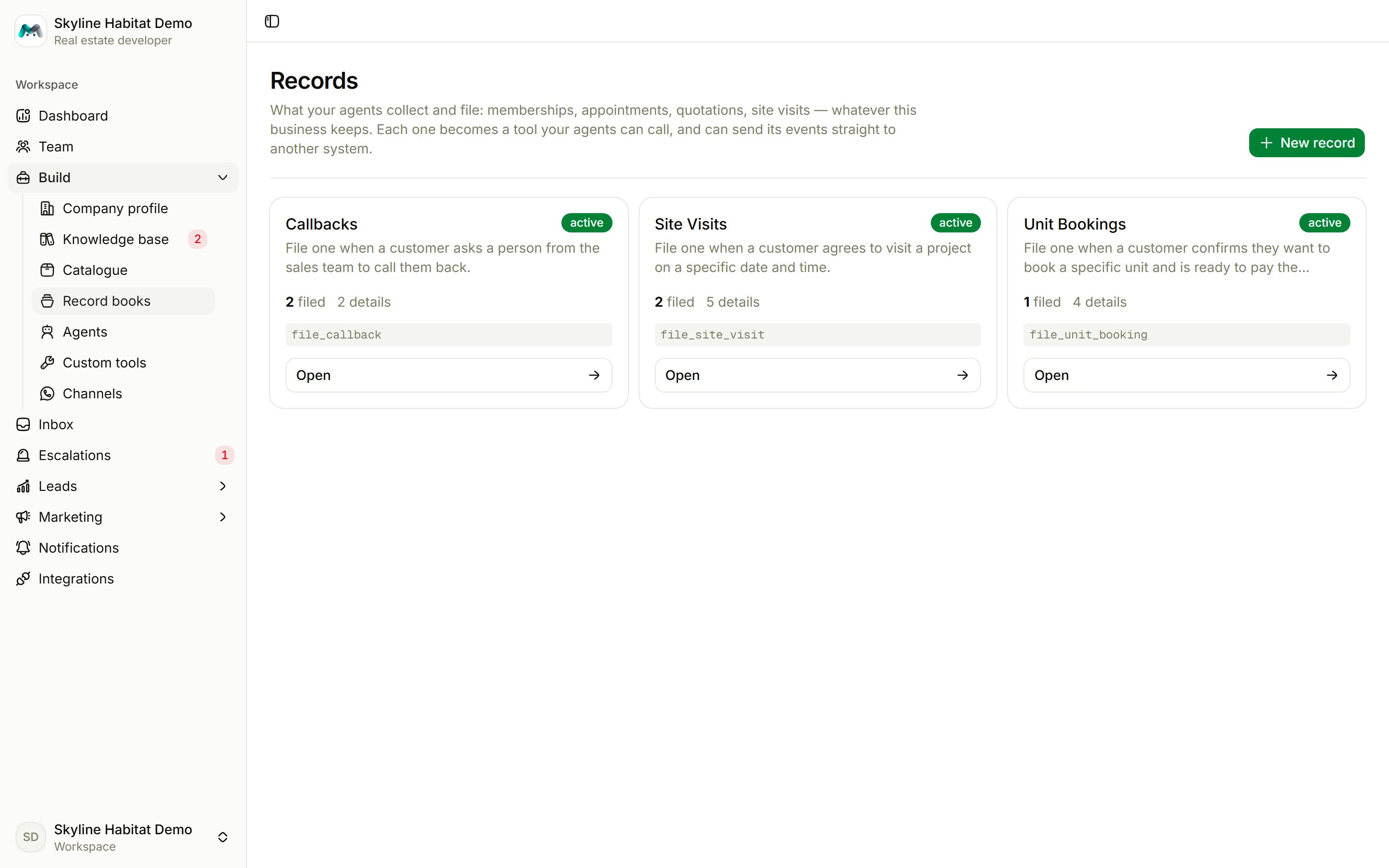
Create a record book
1
Choose New record
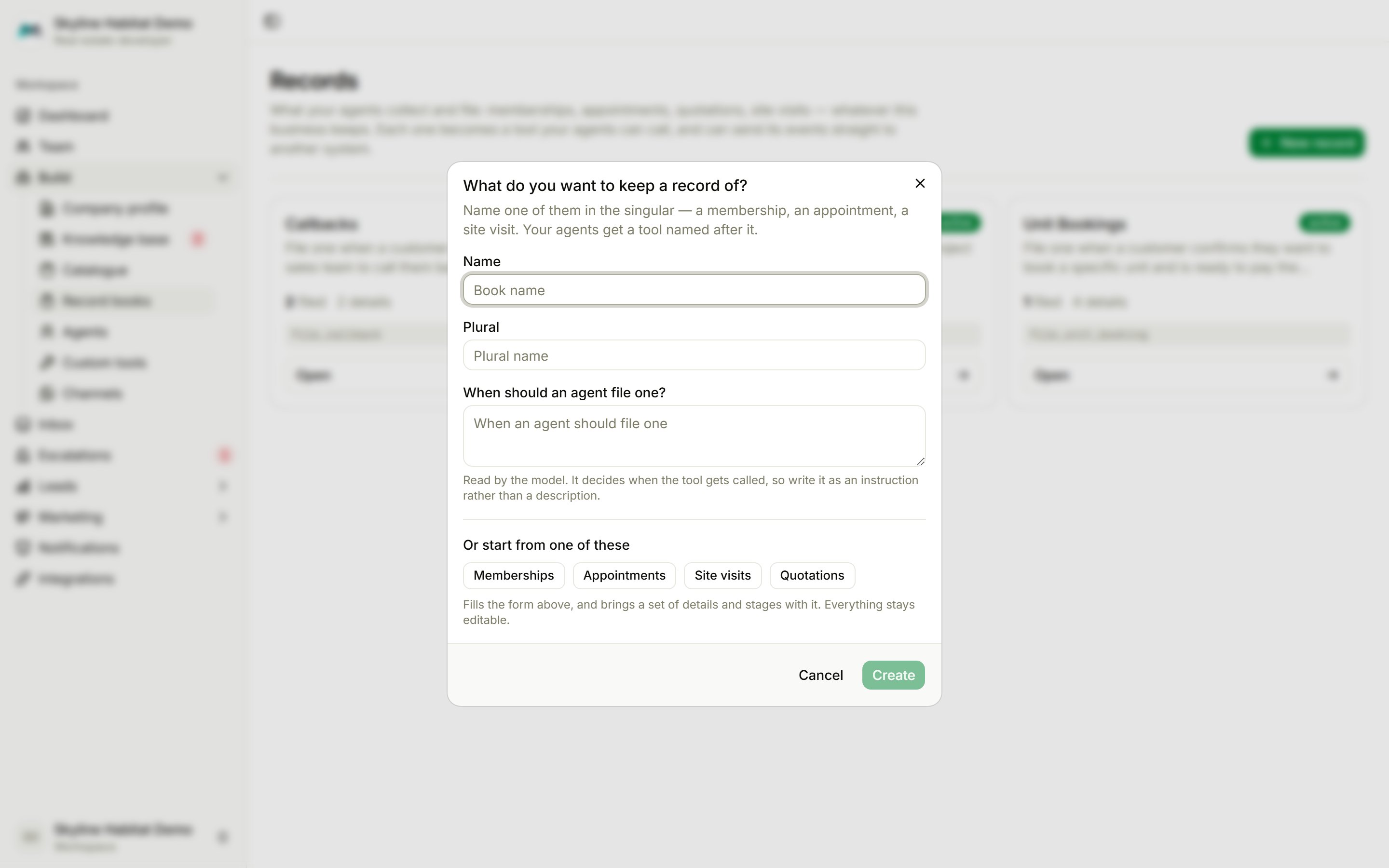
Start from a ready-made type (Memberships, Appointments, Site visits or Quotations), which brings its own details and stages. Or write your own.
2
Name it
Give the Name in the singular (“Site Visit”) and the Plural (“Site Visits”).
3
Say when to file one
When should an agent file one? is read by the agents, so write it as an instruction: “File one when a customer agrees to visit a project on a specific date and time.”
4
Create it
The book opens on its What to collect tab, where you add the details and stages.
What to collect
- Details to collect: each has a label (the question as the customer sees it), a type (text, number, pick-one, yes/no or date), whether it is required, and an example. Every required detail must be answered before an agent can file the record. The agent goes back and asks instead of guessing.
- Stages: what a record moves through after filing, for example Requested → Confirmed → Visited → No-show → Cancelled. The first stage is where every new record starts.
- Reference prefix and Reference type: references look like
SV-8NNZSH(random code) or 1, 2, 3 (serial number). - Agents can look these up: customers can ask “when is my visit?”.
- Agents can change these: customers can reschedule or cancel through the agent. Turn it off to route changes through your team.
Work with filed records
Each book also appears under Leads in the sidebar. The Filed tab lists every record with its reference, who it is about, the first details and the stage.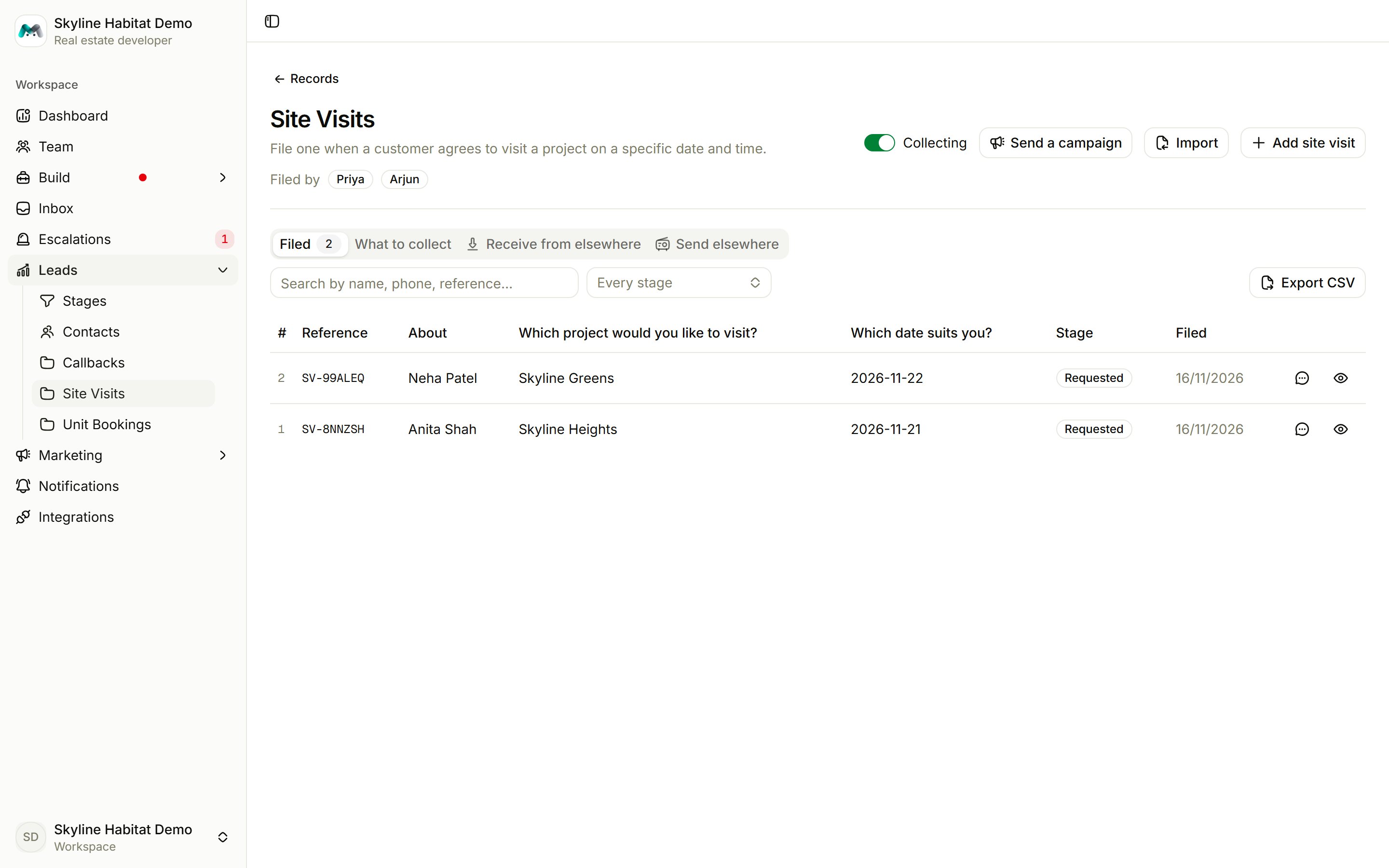
- Search by name, phone or reference, and filter by stage.
- Open a record to see its details and notes, and choose Move to change its stage. Moving a record can trigger an alert.
- Open conversation jumps to the chat it came from.
- Add: file one by hand. It gets a reference and fires the same alerts as one an agent files.
- Import: upload a CSV or Excel file and map its columns.
- Export CSV: download the list.
- Send payment link: when Razorpay is connected. See Orders and payments.
Connect a book to other systems
- Receive from elsewhere: the book gets its own URL. Another system, such as a website form, can POST records to it. Capture a sample, then map each value to a field.
- Send elsewhere: add a destination URL that receives each record when it is filed, updated or changes stage.