
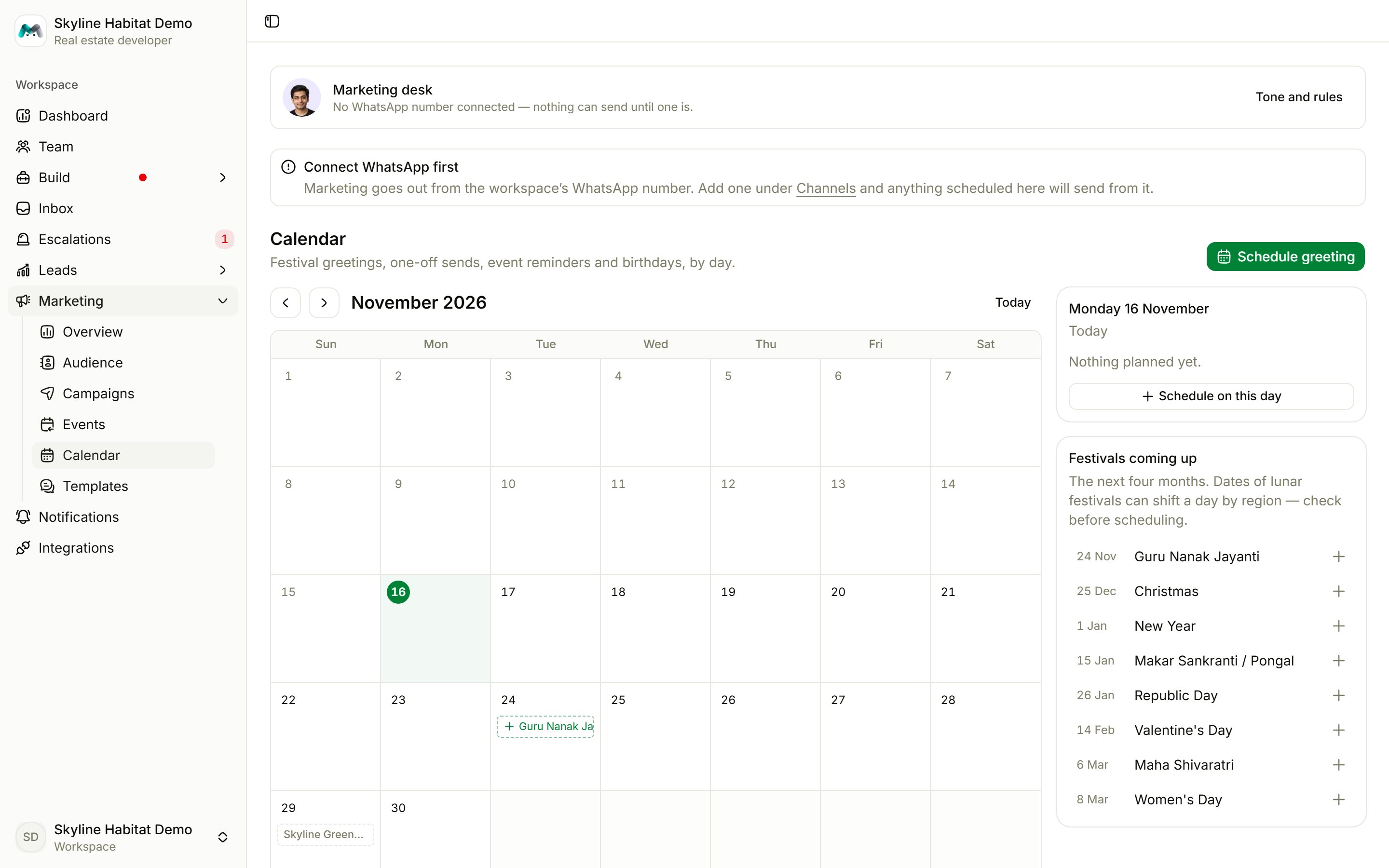
- Move between months, or jump back to Today.
- Click a day to see what goes out and to Schedule on this day.
- Festivals coming up lists the next four months of festivals. Lunar festival dates can shift by a day between regions, so check before you schedule.
Schedule a greeting
1
Choose Schedule greeting
Or pick a festival from Festivals coming up.
2
Fill it in
- Title: fills
{{event}}in your template, for example “Christmas”. - Day and Send at: in your workspace’s timezone.
- Template: an approved greeting template, or None yet to keep it as a draft.
3
Schedule it
Choose Schedule, or Save draft. You can also Send now or Remove from calendar.